Find a COA (fast)

1 Open the product you’re interested in.


2 In the product image gallery, click the COA image (often the 2nd image).


3 Tap/click to zoom. On desktop, you can right-click to save or download if needed.

Checking COAs before ordering? Start on the product page — that’s where we keep them updated.
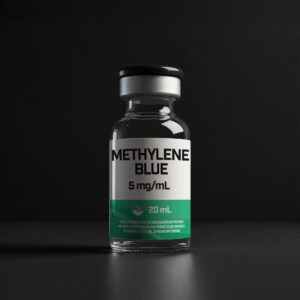
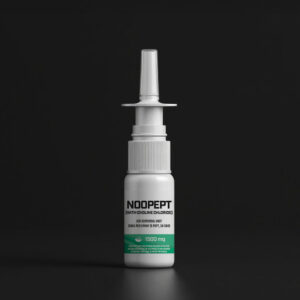
Batch matching: Your vial label includes a batch/lot number. Match it to the COA shown on the product page.
If inventory rotates, the product page will show the most recent documentation.

Need a specific batch? Contact support with the product name + your batch/lot number.